
Birthday campaigns
Issue a credit at the start of a customer's birthday month. It's the most-opened loyalty email in any inbox. Pair it with a tight expiry and most customers redeem it before the month ends.
Being on the map is free and needs none of this. Connecting a Shopify store is what turns a deal into a gift card at your own checkout, and what lets the rewards go out without you.
Your listing keeps working exactly as it does. This is what gets added to it.
Issue a credit at the start of a customer's birthday month. It's the most-opened loyalty email in any inbox. Pair it with a tight expiry and most customers redeem it before the month ends.
Detect customers who haven't returned in 30, 60, or 90 days and send a targeted credit with a short expiry. A deadline alongside a reward brings lapsed customers back more reliably than a discount alone.
Reward customers at their 5th, 10th, or 25th order, or any count you choose. Milestone credits feel earned, and the customers who reach them are your highest-LTV segment.
Make a strong first impression by issuing a credit automatically on a new customer's first purchase. Converts one-time buyers into repeat visitors before they've had a chance to forget you.
Mark the date a customer first bought from you. An anniversary credit feels personal and signals that you remember and value the relationship, and most loyalty programs skip this entirely.
Fire a follow-up campaign the moment a credit is used at checkout. Reward the behavior you want to see more of and keep the engagement loop active after a successful transaction.
Send a reminder 7 days before a credit expires. A gentle nudge at the right moment is often all it takes to turn a forgotten credit into a completed purchase, and expiry urgency works.
Detect when a credit has been sitting idle and send a prompt. Customers often simply forget, and a single well-timed reminder converts a surprising share of dormant credits into real revenue.
Automatically reward customers who place an order above a set dollar threshold. Encourages larger basket sizes without requiring manual review or a separate discount code strategy.
Trigger a follow-on credit when a customer redeems from a specific campaign. Chain automations together to build a loyalty journey: not just a single reward but a sequence that keeps customers returning.
Target your top-spending customers automatically based on lifetime value. These accounts drive a disproportionate share of your revenue. Treat them like it and they'll keep choosing you first.
Issue a credit when a customer successfully refers a friend who makes a purchase. Turns your most satisfied customers into a low-cost acquisition channel with a built-in incentive to follow through.
Schedule a credit to go out on a specific date: a product launch, seasonal holiday, or store anniversary. Works like a broadcast but delivers a dollar value customers can actually spend, not just a code.
Set a credit that fires on a weekly or monthly schedule, automatically. Ideal for subscription-adjacent businesses or merchants who want predictable, recurring re-engagement without lifting a finger.
Credit customers who shop at comparable stores in the WhiteFang network. Capture wallet share from buyers already primed to spend in your category, before a competitor locks them in.
Celebrate when a lapsed customer comes back on their own. A return credit reinforces the decision to return and dramatically increases the probability of a second visit, the moment the habit begins to form.
Nothing in that category
No automation matches the filter you picked. Clear it to see the whole library again.
In practice
A single automation is a nudge. A few of them together is a loyalty programme: a welcome credit on the first order, a milestone at the fifth, a reminder before anything expires, and a win-back if someone drifts away regardless.
Every credit is a native Shopify gift card, so combining automations never creates a second balance to reconcile, because a customer has one wallet no matter how many rules issued into it.
Installing
No theme edits, no API keys to copy, no developer. These are the actual screens in the order you meet them.
Open the WhiteFang listing, choose Add app, and pick the store you want to connect. Nothing is installed until you approve the scopes on the next screen.
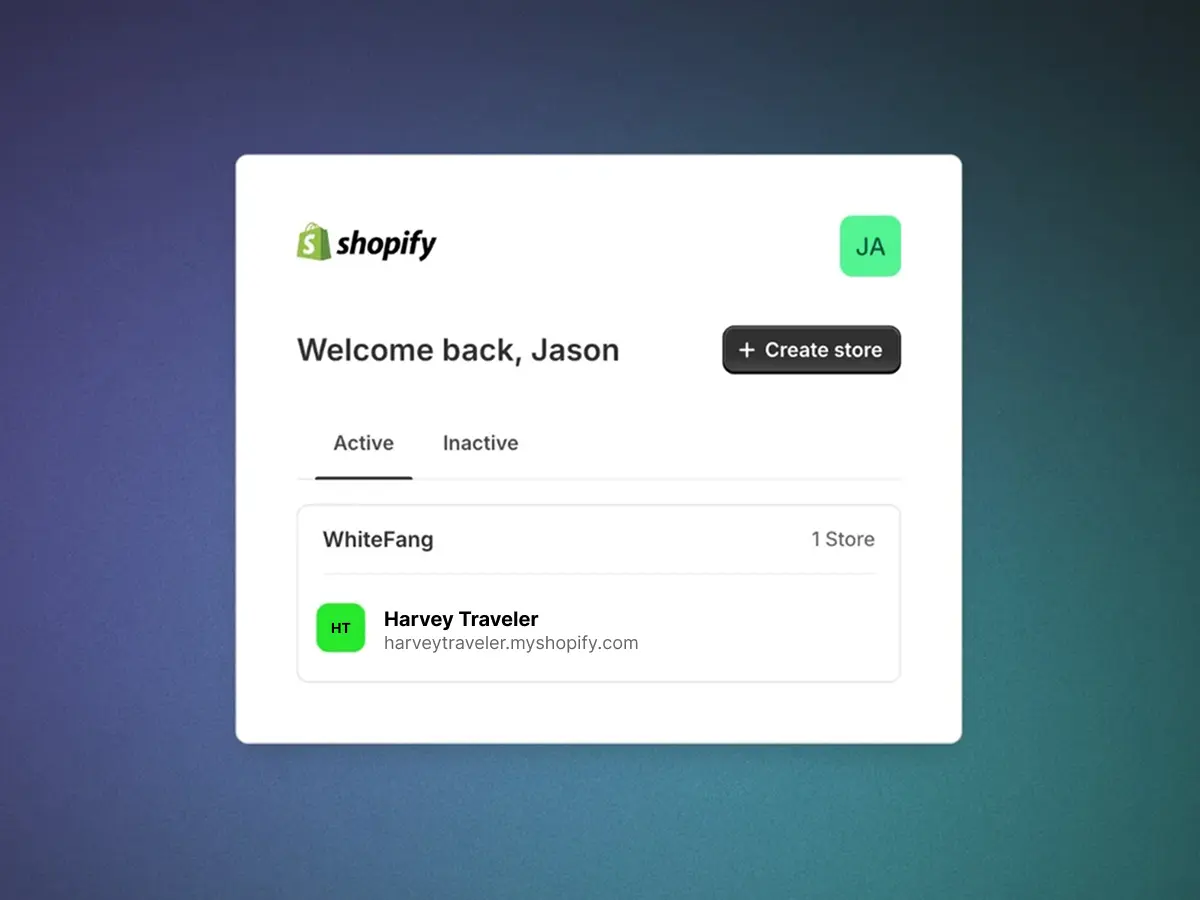
Shopify shows you exactly what the app is asking for: the seven scopes above and nothing else. Approving returns you to WhiteFang with the connection already made.
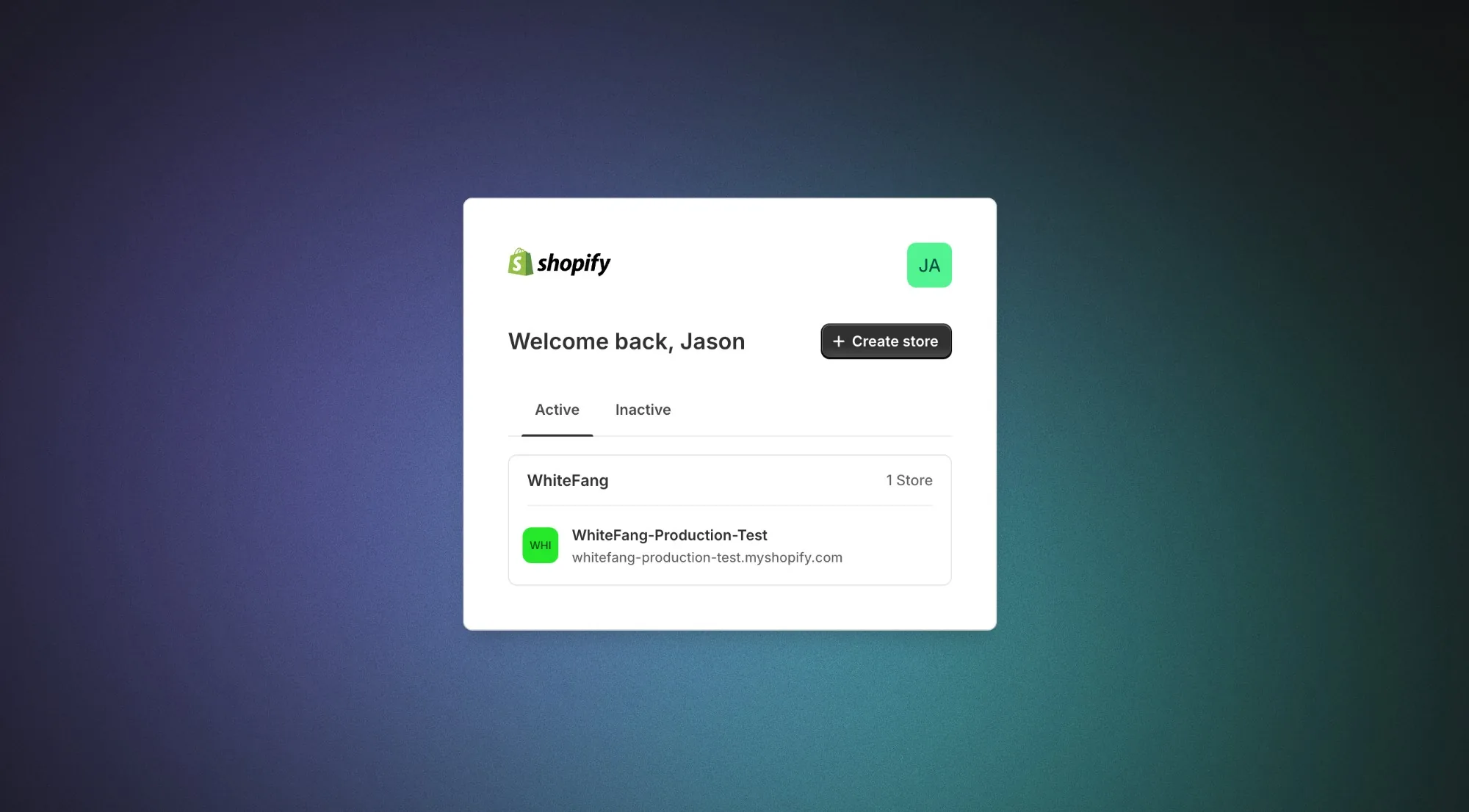
Your store arrives already connected, so there is no API key to paste and no theme file to edit. Set a password and you are in the dashboard.
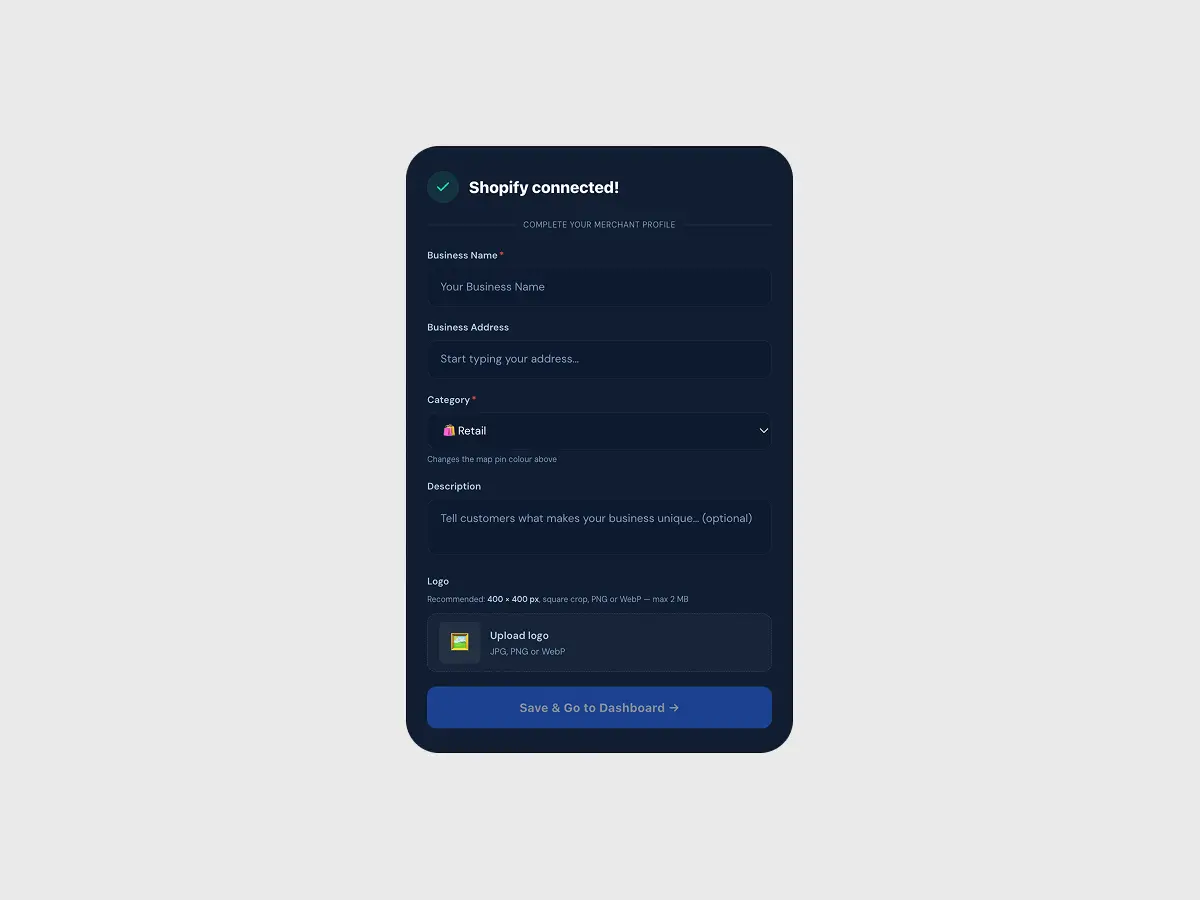
The dashboard shows the connected store and the scopes it holds. If you ever want to check what WhiteFang can reach, this is the page that answers it.
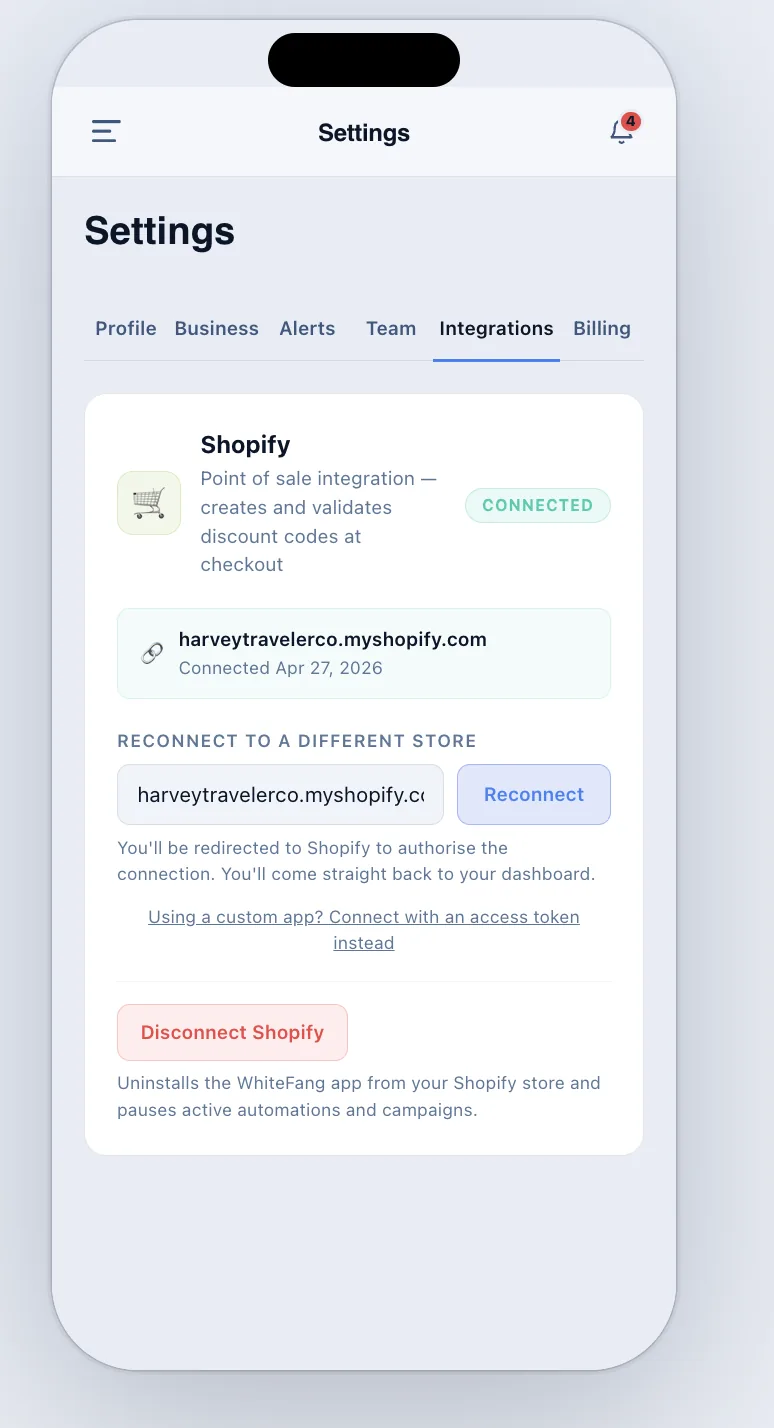
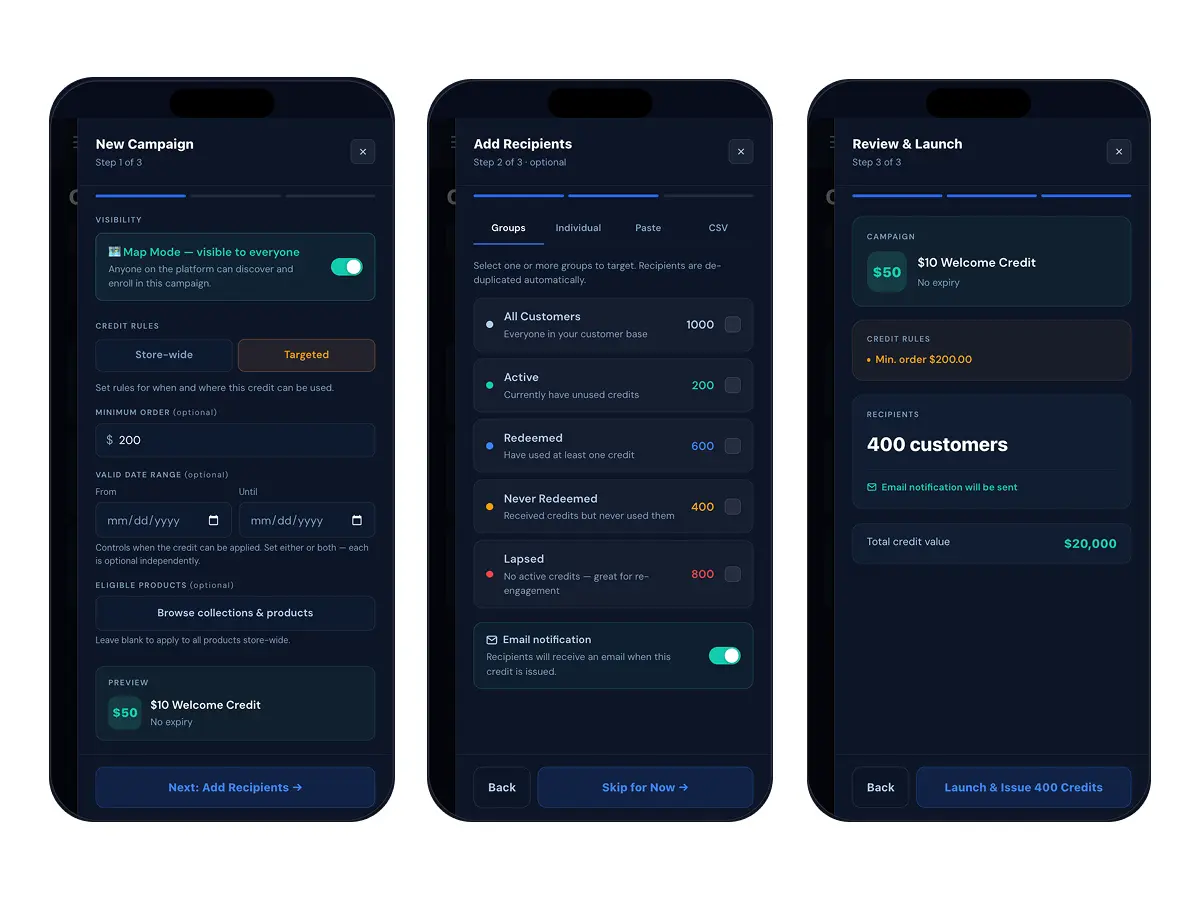
Choose a trigger, a dollar amount and an expiry. WhiteFang issues the gift card, emails the customer, and reports what came back.
Both need a Shopify store connected. Neither is needed to be on the map: that part is free.
Needs your Shopify store connected
Needs your Shopify store connected
Cancel anytime
Permissions
Each card gives the permission, what it lets WhiteFang do for you, and the wording Shopify shows on the approval screen so you can match the two up.
read_orders
WhiteFang sees when an order is paid, so a milestone, a spend threshold or a win-back can fire without you touching anything.
On the Shopify screen Receive order webhooks (orders/paid, orders/cancelled) to detect and confirm credit redemptions.
write_gift_cards
Issuing a credit creates a real Shopify gift card in your store. That is why the money is spendable at your checkout and not a number in someone else's system.
On the Shopify screen Create and disable gift cards in the merchant's store when issuing or revoking credits.
read_gift_cards
Balances and expiry shown in your dashboard are read back from Shopify, so what a customer sees and what you see are the same figure.
On the Shopify screen Read gift card balances and status when using Shopify gift cards as the credit vehicle.
read_customers
A returning customer is matched to the record you already have, so credits land on one profile instead of creating a second one.
On the Shopify screen Look up existing Shopify customer records by email when issuing credits.
write_customers
Someone who arrives through the discovery map can be issued a credit even though they have never bought from you before.
On the Shopify screen Create Shopify customer records for consumers who do not yet have one in the merchant's store.
write_discounts
Restricted Mode campaigns (credits that only apply to certain products or above a minimum order) need a discount code to carry the rule.
On the Shopify screen Create and manage discount codes in the merchant's Shopify store for credit redemptions.
read_products
You can point a campaign at a collection or a specific product by picking it from a list instead of typing an ID.
On the Shopify screen Read product catalog to support campaign rule configuration.
Out of reach
These are not settings we promise not to use. They are scopes the app never asks for, so Shopify would refuse the request even if WhiteFang made it.
No payment scope is requested. WhiteFang cannot see card details, take a payment, issue a refund, or read your payout schedule.
No fulfilment scope is requested. WhiteFang cannot mark an order fulfilled, edit a fulfilment, or reach your fulfilment services.
No shipping scope is requested. WhiteFang cannot change rates, zones, or carrier settings, and never touches a shipping label.
No inventory scope is requested. WhiteFang cannot adjust stock levels, move inventory between locations, or edit a product.
Leaving
Credits already issued are native Shopify gift cards and stay valid in your store after WhiteFang is removed. Uninstalling stops new credits being issued; it does not void the ones your customers are already holding.
Install from the Shopify App Store and approve the seven scopes. Not listed on the map yet? That part is free and takes about five minutes.